technical SEO issues

Technical SEO Issues That Quietly Kill Organic Traffic

Technical SEO issues can drain your organic traffic without any warning signs. Indexing blocks, content repetition, slow page speeds, and broken links all chip away at your rankings while you focus on other things. These issues hide in your site’s code, server settings, and URL structure.

At AccuvantLabs, we’ve run hundreds of SEO audits for Brisbane businesses and seen these issues appear repeatedly. We understand how they stop search engines from finding and ranking your best content.

In this guide, we’ll cover:

  • Indexing problems and redundant content
  • On-page errors like meta tags and broken links
  • Page speed and Core Web Vitals failures
  • CSS, JavaScript, and redirect issues
  • How to detect problems before traffic drops

Ready? Let’s begin.

What Technical SEO Issues Quietly Damage Your Rankings?

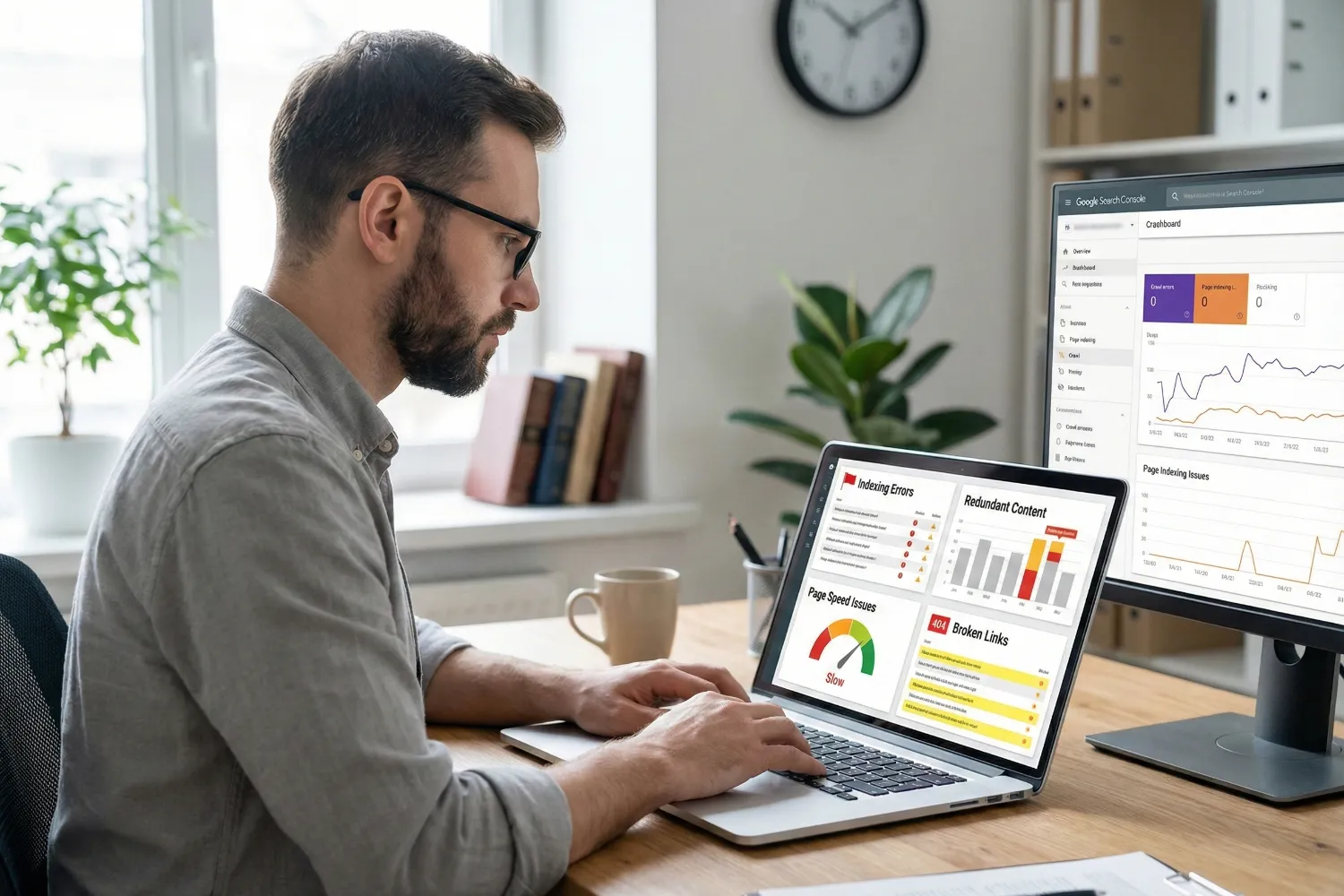
A developer is sitting at his desk and looking closely at a computer screen that is displaying indexing issues in Google Search Console. The screen shows blocked pages and noindex meta tag errors. The background features a modern workspace with a plant and a whiteboard filled with SEO notes.

Technical SEO issues silently ruin your rankings by blocking indexing and causing duplicate content. It also wastes the crawl budget on errors that search engines can’t process. And the worst thing is that most site owners have no idea these problems exist until their traffic starts dropping.

According to SE Ranking‘s analysis of over 418,000 website audits, more than 50% of sites accidentally block pages from Google’s index. That’s half of all websites hiding their own content from search engines without realising it.

We’ll discuss the mentioned technical SEO issues at length now.

Indexing Blocks You Didn’t Know Existed

Most of the time, a developer adds a noindex meta tag to a staging page before launch. The site then goes live, but they forget to remove the tag. Now Google completely ignores that page, and you’re left wondering why it never ranks for anything (even with great content on it).

The same thing happens with robots.txt files. Just one wrong line of code can block search engine crawlers from your entire site. We’ve seen how businesses lost months of organic traffic only because a single “Disallow: /” was still in their robots.txt file after a site migration.

But don’t worry. You can easily detect exactly which pages are excluded from Google’s index and why through Google Search Console (GSC). The “Pages” report under “Indexing” breaks it down by issue type.

Seriously, if you haven’t checked this report recently, you might be surprised by what’s hiding in there.

Pro tip: Look at server-side redirects, because a noindex on the source URL can still affect the destination page.

Duplicate Content: Splitting Your Authority

Fixing duplicate content not only tidies up your site, but it also consolidates your ranking power into one strong page instead of splitting it across several weak ones. Typically, when the same content appears on multiple pages, search engines get confused about which version to rank.

That’s how, instead of one page ranking well, you end up with three pages ranking poorly. That’s not a great trade-off.

And this problem occurs mainly because you’ve missed your canonical tags. In particular, e-commerce sites deal with this issue constantly (product filters, sorting options, and session IDs all create duplicate URLs).

When canonical tags don’t point to the main version of your content, search engine bots waste time crawling identical pages and not your relevant pages. And once your crawl budget gets eaten up by duplicates, newer content takes longer to get indexed.

It’s a chain reaction that drains your organic visibility over time, behind the scenes.

Which On-Page Technical Errors Appear Most Often?

A woman is standing in a modern co-working space, explaining on-page SEO issues to her colleagues. The interactive screen behind her displays SEO errors like missing meta descriptions and broken links. The group is engaged in the discussion, with casual seating and a creative, vibrant atmosphere around them.

On-page technical errors appear most often in meta tags, heading structure, image alt text, and internal linking across most websites. We detect these mistakes in almost every audit we run. Leaving them unchecked simply damages your rankings.

Here’s how these issues can hold back your SEO:

  • Title and Meta Description Issues: Missing or duplicate meta tags make your search listings forgettable. Since it makes your titles all sound the same, users scroll right past them (and so does your click-through rate).
  • H1 Heading Problems: When every page has the same H1, search bots can’t tell them apart. That’s why each page needs its own heading that actually describes the content on it.
  • No Alt Text on Images: Google reads alt text instead of images, which means skipping it can cost you traffic from image search. Adding clear alt text also helps your pages appear more relevant in search results.
  • Broken Links: Nothing kills trust faster than clicking a link and hitting a 404. When users hit that page, they leave, and Googlebot wastes time instead of crawling your important pages.

If you fix these fundamentals, your site becomes easier to index and use.

What Site Performance Issues Hurt Crawling and Speed?

A site performance specialist is standing in a server room, holding a tablet displaying site performance issues. The tablet shows Core Web Vitals problems and unoptimised files. In the background, rows of servers and monitors display system diagnostics.

Site performance issues hurt crawling and speed through slow load times, bloated code files, and redirect errors that frustrate both users and search engine bots. A fast and technically healthy site lets Google crawl more of your pages per visit.

Let’s get into more details about these site performance problems.

Page Speed and Core Web Vitals Failures

Google has used Core Web Vitals as part of its Page Experience ranking signals since 2021. These metrics measure how fast pages load (Largest Contentful Paint, or LCP), how quickly they respond to users (Interaction To Next Paint, or INP), and how stable the layout is while loading (Cumulative Layout Shift, or CLS).

Server speed is important as well. It’s because when response times are slow, Googlebot visits less often, so new pages take longer to get picked up.

Unoptimised CSS and JavaScript Files

Did you know that bloated CSS and JavaScript files can slow down every page on your site? Large, unminified files take longer to load and process, and they add unnecessary weight to each visit.

But the bigger issue here is that Googlebot has to render heavy scripts before it can read your content. So we recommend removing what you’re not using and compressing the rest. This way, your pages will breathe a bit easier and load faster.

Redirect Chains and Soft 404 Errors

Redirect chains bounce visitors through multiple URLs before they land anywhere useful. Each hop adds time, and Google recommends keeping it to one redirect at most.

Then there are soft 404s, which are difficult to spot. Since the page loads fine, it returns a 200 status but shows a “not found” message. In turn, Googlebot keeps coming back because nothing looks broken on the surface.

You need to check your server logs regularly to catch errors like that before they pile up.

Pro tip: Measure rendering time in Search Console’s URL Inspection tool to identify pages Google struggles to process.

How Do You Detect These Issues Before They Hurt Traffic?
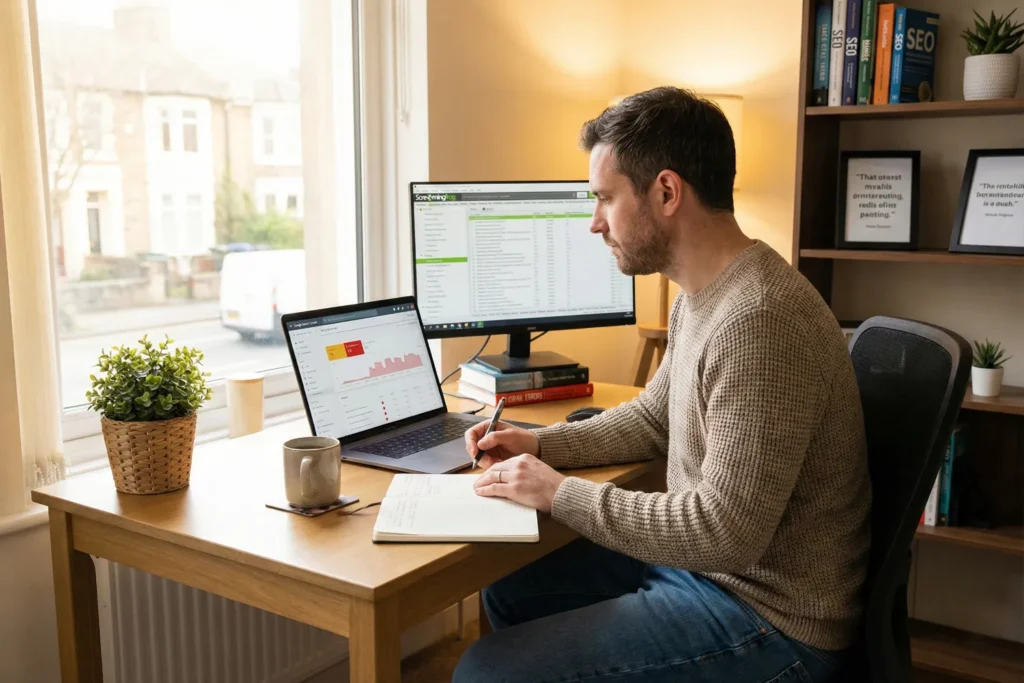
An SEO consultant is sitting at his cozy home office desk. He appears to be reviewing SEO audit data on his laptop. The screen shows crawl errors, Core Web Vitals scores, and server issues. The background features a warm, inviting workspace with bookshelves and natural light coming through the window.

You detect these issues before they hurt traffic by using Google Search Console, running site crawls, and reviewing server logs for errors. Since most technical problems stay hidden, you have to look for them before they affect traffic.

Do the following checks to detect the problems we’ve discussed:

  • Google Search Console Reports: This is your first stop. The “Pages” report shows which URLs are indexed, which are excluded, and why. You’ll also see crawl errors, mobile usability warnings, and security flags all in one place.
  • Core Web Vitals Scores: Inside Search Console, the “Core Web Vitals” report breaks down page performance by URL. It flags pages that fail Google’s speed and stability thresholds, so you know exactly where to focus.
  • Site Crawls With SEO Tools: Tools like Screaming Frog or Sitebulb crawl your site the way Googlebot does. They catch broken links, missing tags, redirect chains, and orphan pages that Search Console might miss.
  • Server Error Logs: Your server logs show every request Googlebot makes, including the ones that fail. If 5XX errors or timeouts are stacking up, you’ll see them here before they affect your rankings.
  • Professional SEO Audit: Sometimes you need fresh eyes. That’s where a professional SEO audit digs into areas you might overlook. We’re talking about issues like JavaScript rendering troubles, crawl budget waste, or indexing gaps buried deep in your site architecture.

It’s a simple way to keep your site healthy and moving in the right direction.

Time to Handle Your Technical SEO Issues

Technical SEO issues rarely announce themselves. They stay in the background, blocking pages from Google’s index, slowing down your site, and splitting your ranking power across duplicate content. By the time traffic drops, the damage is already done.

But the good news is that once you know where to look, you can fix these problems yourself. Start with Google Search Console. Then run a site crawl and check your server logs.

If you’d rather have experts handle it, AccuvantLabs offers professional SEO audits for Brisbane businesses. We’ll find what’s hurting your rankings and show you exactly how to fix it. Get in touch with us today.


Outdated SEO Tactics 2026

Why SEO Advice From Five Years Ago Is Hurting Sites Today

SEO advice from five years ago is dragging down sites today because search algorithms now prioritise quality, intent, and user experience over outdated keyword and backlink tactics.

Even though 68% of users’ online experiences start with a search engine, loads of Brisbane businesses still follow outdated SEO tactics from 2019 or 2020. Then they wonder why their search rankings keep dropping month after month.

This article breaks down outdated SEO tactics like keyword stuffing patterns to broken mobile optimisation that tank rankings in 2026. You’ll also learn about anchor text mistakes, content creation changes, and the local search updates that caught most businesses off guard

Let’s find out what replaced these old methods and how to fix the damage.

What Makes Old SEO Tactics So Risky Now?

Old SEO tactics fail nowadays because Google’s algorithm prioritises user experience and genuine value over manipulation techniques. Conversely, modern SEO focuses on helping people find answers instead of gaming search engines with outdated tricks.

These are the changes you need to know about for staying visible in search results.

Google Algorithm Changes Rewrote the Rulebook

Google rolled out major updates like Helpful Content and Core Web Vitals that penalise old methods completely. These search algorithms now focus on page speed, user experience, and whether your content answers questions properly.

The ranking factors that were important in 2019 barely register anymore. In fact, what pushed your site to page one back then can now trigger manual penalties or algorithmic demotions. For example, sites optimised around exact-match keywords saw traffic drops of around 50% after the Helpful Content update in 2023.

Google Algorithm Changes Rewrote the Rulebook

Outdated SEO Tactics Tank Your Rankings Fast

Techniques like exact-match domains and thin content pages once worked, but now harm your search results visibility. It’s because Google’s machine learning detects manipulation patterns that older search algorithms missed back then (extremely common with Kangaroo Point hospitality sites we monitor).

As a result, sites using these backdated tactics see organic traffic drops within months of algorithm updates. And the reason is simple: search engines got better at identifying low-quality signals.

Keyword Research and Modern SEO Strategy

Today’s search algorithms match content to what searchers want, instead of just keyword matches. With this idea, search intent classification determines search rankings more than keyword placement or backlink quantity now.

Fulfilling user intent means sites must answer questions thoroughly and provide genuine solutions. Say, if someone searches “best cafes Brisbane,” they want recommendations with locations and reviews, not keyword-stuffed fluff.

The Problem With Keyword Stuffing in Modern SEO

Remember when repeating your keyword 20 times per page helped you rank on page one? Yes, those days are long gone, and search engines now punish sites that still use this outdated method. Now, keyword research focuses on semantic variations and related terms instead of exact keyword repeats throughout every paragraph.

Many Brisbane businesses still write this way without realising the damage. However, Google’s modern search algorithms now recognise forced, unnatural keyword repetition as spam the moment they crawl your content. And pages with keyword stuffing get filtered from search results or pushed to page five and beyond.

Pro tip: Write naturally for humans first, then check if relevant keywords appear organically throughout your content. If you’re forcing keywords into sentences where they don’t fit, Google notices immediately.

The Anchor Text Trap Most Sites Still Fall Into

Natural anchor text diversity protects your site from penalties and builds a link-building profile that Google trusts. We see many sites still mess this up badly, even in 2026. They optimise every single backlink with their target keyword, thinking it signals relevance to search engines. But the problem is that Google sees this pattern as manipulation, not helpful linking.

Here’s how much anchor text influences your site’s SEO.

Over-Optimised Anchor Text Triggers Google Penalties

Using your exact target keyword as anchor text in every backlink signals manipulation to Google (guilty as charged if you started SEO before 2018). On the other hand, natural link profiles include branded terms, URLs, and varied phrases rather than repeated keywords stuffed into every link.

What’s more, sites with exact-match anchor text face manual actions or Penguin algorithm penalties. We all know how traditional SEO advice told us to control anchor text precisely. But that approach now destroys your search rankings instead of helping them.

Build Natural Link Building Profiles

Guest posts and directory links with identical anchor text look artificial to Google’s spam filters, so you need to vary your approach across different sources.

After analysing link profiles for 40 Queensland retail sites, we found businesses with diverse, naturally-earned links maintained rankings through four major algorithm updates. Meanwhile, those with paid directory links dropped off entirely.

So focus on earning internal links from authoritative sites where natural anchor text builds up organically without forcing exact keywords into every opportunity.

Pro Tip: Mix anchor text types in your link-building strategy. We recommend a combination of branded (30%), generic (25%), naked URLs (20%), and partial match (25%).

The Anchor Text Trap Most Sites Still Fall Into

Mobile Content Optimisation Isn’t Optional Anymore

Google indexes your mobile site first, which means desktop performance is irrelevant if mobile fails. Back in 2019, mobile-first indexing became the default for all websites, and sites without proper mobile optimisation lose search rankings even if their desktop version works perfectly.

Plus, mobile users represent 60% of searches in Australia, so a poor mobile experience kills conversions and user engagement too.

And it gets worse, because page speed on mobile affects bounce rates, user experience signals, and your overall search visibility in Google search results. Data also shows that slow-loading pages frustrate 53% mobile users who expect sites to load in under three seconds.

Pro Tip: Test your site on actual phones for accurate performance data, not just Chrome’s device emulator (desktop view lies to you constantly). It’s because real mobile devices reveal issues that desktop testing misses completely.

Now that you know which old tactics to avoid, let’s cover what content strategies work today.

High Quality Content Creation Rules That Work in 2026

Search engines in 2026 reward content that is clear, useful, and written for humans. Old tricks no longer work if the content doesn’t answer user needs. On the contrary, following the right rules helps your content rank, engage readers, and stay relevant long-term.

Here’s what works for content creation this year:

  • Cover Topics Thoroughly: Short 500-word articles that are focused only on one keyword phrase don’t rank anymore. Ultimately, high-quality content needs depth, covering related questions and providing complete answers that satisfy search intent.
  • Use Original Research: When we compared 200 articles across client sites, content that featured firsthand product testing or real customer feedback consistently outranked generic competitor rewrites. So create content based on your experience, not what competitors already published.
  • Add Visual Elements: Search engines notice when people stay longer on your pages because the visuals help them understand complex topics faster. For this reason, custom images, videos, and infographics boost user engagement significantly. 
  • Build E-E-A-T Signals: Experience, expertise, authority, and trust now steal the show when Google evaluates rankings for topics like health, finance, and YMYL (Your Money or Your Life). In the end, content from people who know their subject is much better than AI tools regurgitating information every time.
  • Structure for Featured Snippets: Formatting options like clear headings, lists, and concise answers help you capture featured snippets and People Also Ask boxes. This user-centric content approach also helps search engines understand what your page covers without guessing.

All these content optimisation strategies work together to improve your organic traffic over time. We’ve seen the sites that rank consistently in 2026 treat content creation as a long-term investment, not a quick ranking hack.

Local SEO vs Google Search

Local SEO changed over the past few years, and businesses relying on old tactics miss out on local search results entirely. These changes affect how voice search interprets queries and what information Google displays first. And if you understand how Google Search handles local queries, you can reach more nearby customers at the exact moment they’re looking for you.

Take a look at the differences between local SEO and good search.

Featured Snippets and AI Search Demand Different Content

Google’s AI Overviews pull information directly from pages and reduce click-through rates for traditional results. That’s why sites that once ranked in position one now see less traffic because AI search answers questions without users clicking through.

The good news is that structured data and schema markup increase your chances of appearing in these AI-generated responses. As voice search queries use natural language, they require content that answers conversational queries like “where’s the best coffee near South Brisbane” instead of robotic keyword phrases.

Pro Tip: Format your content with clear headings, lists, and concise answers to capture featured snippets before competitors do.

Descriptive Alt Text Standards Got Stricter

Alt text helps visually impaired users and improves image search rankings when written descriptively. When you write generic phrases like “image123” or keyword-stuffed image alt text, it violates accessibility guidelines and hurts your technical SEO efforts at the same time.

We suggest describing what’s in the image naturally instead of forcing keywords in awkwardly. For example, write “warehouse team packing orders in South Brisbane facility” rather than “Brisbane SEO services team working.” This descriptive alt text approach helps search engines understand your images while making your site accessible to everyone who visits it.

Time to Audit Your SEO Approach

Old SEO tactics like keyword stuffing, over-optimised anchor text, and ignoring mobile optimisation hurt your search rankings today. It’s because Google’s algorithm rewards sites that focus on user experience, valuable content, and natural link profiles instead of manipulation techniques.

So start by auditing your current SEO strategy and removing outdated methods that no longer work in 2026. And if you’re unsure where to begin or need expert help identifying what’s holding back your search visibility, no need to call it quits on your efforts.

The team at Accuvant Labs Blog can review your site and create modern SEO strategies that improve your Google search results. Check out more SEO insights and case studies at our blog to stay ahead of algorithm changes.

A small team of professionals in a modern office discussing semantic SEO strategy while reviewing abstract content relationships on a screen.

How Search Engines Understand Topics Better Than Most Writers Think

Welcome to our guide on how search engines understand topics. We also know it as semantic SEO.

Our team here at AccuvantLabs has helped Brisbane businesses climb search results by focusing on topics instead of keywords. And after reading this article, you’ll understand how Google understands content in 2026 and what that means for your SEO strategy.

In this guide, we’ll walk you through:

  • How Google actually reads your content now
  • Why semantic SEO beats keyword targeting
  • Best practices for effective outcomes
  • How topic clusters build authority
  • Mistakes that kill your rankings

Read on to learn how search engines truly think.

How Google Reads Your Content (It’s Not About Keywords Anymore)

A woman content strategist and a man SEO specialist discuss semantic search concepts while reviewing interconnected visual data on a computer screen in a sunlit modern office.

Google reads your content by analysing topics, entities, and the relationships between them. This approach is a major change from earlier keyword-driven approaches to search. In the past, rankings were often influenced by heavy keyword usage. Plus, keyword stuffing was far more common than it is today.

Here’s a detailed list of how Google understands your content these days:

  • From Words to Meaning: Google no longer matches exact phrases to pages. Instead, it uses semantic search to figure out what your content is really about. The days of repeating the same keyword 50 times are long gone.
  • Entities Over Keywords: You can think of entities as real things like people, products, places, or ideas. Google connects these entities through semantic relationships in its knowledge graph. That’s how, when you mention “Brisbane” and “SEO agency”, Google understands how those two elements connect.
  • The Hummingbird Update: Google released the Hummingbird update in 2013. It helped the search engine understand full sentences instead of individual words. It was the first major step toward topic-based search. Before this update, Google was essentially playing a matching game with keywords.
  • RankBrain’s Role: Back in 2015, Google rolled out this machine learning system to deal with unfamiliar searches. Since roughly 15% of searches each day are brand new, RankBrain helps interpret what users are really looking for.
  • BERT and Natural Language: BERT launched in 2019 and uses natural language processing to understand context. It looks at how words relate to each other. For example, when someone searches “can you pick up a prescription for someone else”, BERT understands they mean collecting medicine on another person’s behalf.
  • The Knowledge Graph Connection: Google’s knowledge graph stores billions of facts about entities worldwide. It connects related terms, people, places, and concepts together. That’s why when your content aligns with this web of information, you become part of how Google understands a topic.

All of these points point to one thing: Google wants content that mirrors how people actually think and search.

Why Does Semantic SEO Outperform Keyword Targeting?

A man SEO consultant and a woman marketing manager review consolidated website performance data on a laptop while discussing strategy in a sunlit coworking lounge.

Semantic SEO performs better than keyword targeting because one well-written page can rank for many related searches. Rather than creating dozens of near-duplicate pages, you focus on one strong piece that covers the topic properly.

Let’s get into more detail about these reasons.

One Page Can Rank for Hundreds of Queries

Did you know that top-ranking pages often rank for over 1,000 different relevant keywords from a single URL? It’s because when you write in-depth content around a topic, Google automatically matches it to related searches.

For instance, you don’t need separate pages for “best running shoes”, “top running shoes”, and “running shoe reviews”. Just one comprehensive guide can capture all of that traffic (a cleaner site ensures better signals… Welcome to modern SEO).

This is the real power of semantic SEO. You write once, and Google does the work of connecting your content to every relevant query. The old approach of building individual pages for each keyword variation is not just outdated but also a waste of time.

Pro tip: Analyse Search Console query data to find unexpected phrases your page already ranks for, then strengthen those sections to widen reach.

You Avoid Keyword Cannibalisation for Google Search

When we audit client websites, we encounter one problem almost every single time. That issue is five or six pages, all targeting slightly different versions of the same keyword. And none of them rank well.

Why? Because when you do that, Google gets confused about which page to show. So, it shows none of them.

Semantic SEO fixes this problem by consolidating everything into one pillar page. This way, instead of spreading your authority thin across multiple URLs, you stack it all in one place. The main thing is that Google rewards this approach, as it gives users a complete answer without making them click around.

From our experience, sites that consolidate thin content into comprehensive guides often see ranking jumps within weeks.

What Are the Best Practices for Semantic SEO?

A woman SEO strategist and a man content editor collaborate at a desk. They appear to be organising comprehensive content plans in a naturally lit workspace.

The best practices for semantic SEO include comprehensive content, semantic keywords, answering common questions, and structured data. None of these elements is complicated on its own. But when you combine them, your content starts speaking Google’s language.

Below are the best practices for semantic SEO and why they’re important:

  • Cover the Entire Topic: Shallow content rarely ranks because it leaves users wanting more. So, your goal should be to answer every question someone might have about a subject in one place. Keep in mind that if readers need to click away to find more information, you’ve already lost them.
  • Use Semantic Keywords: These are related terms that help Google understand your core topic better. You’ll find them in Google’s “related searches” and through keyword research tools. Use those keywords naturally in your content instead of repeating them.
  • Answer People Also Ask: The People Also Ask (PAA) dropdown boxes in search results are a valuable source of insight because they show exactly what users want to know. We’ve seen sites double their traffic just by adding sections that directly address these questions.
  • Add Structured Data: Adding structured data, like schema markup, gives Google clearer signals about what your content means. Although it’s not a ranking shortcut, it can improve context and increase your chances of appearing in featured snippets.

In real terms, this is how structure and depth lead to better outcomes with semantic SEO.

How Do Topic Clusters Build Authority?

A man SEO architect and a woman content strategist review interconnected content pages arranged in a structured layout at a professional workspace.

Topic clusters help build authority because they show Google you understand a subject as a whole. This authority comes from pillar pages supported by related content clusters and clear internal linking.

When your content is connected and organised, that structure communicates expertise more clearly than isolated posts.

We’ll now explain how you can build this authority.

Creating Pillar Pages and Cluster Content

A pillar page acts as the main hub of your content. It covers a broad subject thoroughly, like “SEO for Small Businesses”. From there, you build cluster pages around it, where each handles a specific subtopic like “local citations” or “Google Business Profile tips”.

The key here is that all the content links together. The pillar page connects to each cluster, and the clusters link back. In the end, it helps Google understand your expertise and subject coverage more clearly (no time for ambiguity here).

Using Internal Links to Signal Relationships

Internal links are how Google finds which pages on your site belong together. Without them, your content just floats in isolation.

How does it work, though? Well, Google crawls and indexes your pages one by one. If a page isn’t linked to related content, the search engine has no context for how it fits within your site. That’s why pages with no internal links often struggle to rank.

But when you link related content together, Google follows the trail and finally sees the full picture.

Helpful tip: Use descriptive anchor text that reflects the topic’s meaning rather than exact keywords. It helps Google understand page relationships better and faster.

What Mistakes Kill Your Semantic SEO?

An SEO auditor and a content manager examine scattered website pages and analytics on a desk while discussing content performance issues in a natural office setting.

The mistakes that kill your semantic SEO include thin content, ignoring search intent, and poor internal linking. If you don’t solve these issues early, they’ll seriously hold your search engine rankings back, regardless of how good your content is.

Let’s take a closer look at the mentioned mistakes.

Publishing Thin Content on Separate Pages

While many people think that publishing more pages with thin content can get them more traffic, in reality, this kind of action backfires.

We’ve audited sites with 50 blog posts targeting slight keyword variations. And guess what? None of them ranked. Each page was too thin to stand on its own, so Google just ignored them all.

The solution is merging those scattered posts into one comprehensive piece. This is how you give Google something worth showing (and it usually will).

Ignoring Search Intent Behind Queries

Getting intent right means your content matches what people are actually looking for. Sometimes users want a quick answer, yet they’re given a long guide. And other times, they want depth and only get a short paragraph. In both cases, the content misses the point.

We strongly recommend searching for your keyword and studying what’s already ranking before writing anything. Those results show the format, depth, and intent Google expects, so treat them like a blueprint.

What to Do Now for Your Semantic SEO Strategy

You’ve made it to the end, and now you know how Google actually reads your content. It’s about topics, entities, and how everything connects.

If you’re just getting started, focus on covering topics in detail and linking your content together. Those two changes can improve results within weeks.

And if you want a team that understands semantic SEO inside and out, get in touch with us today. At AccuvantLabs, we’ve helped Brisbane businesses build content strategies that actually rank. Let’s talk about what that could look like for your business.