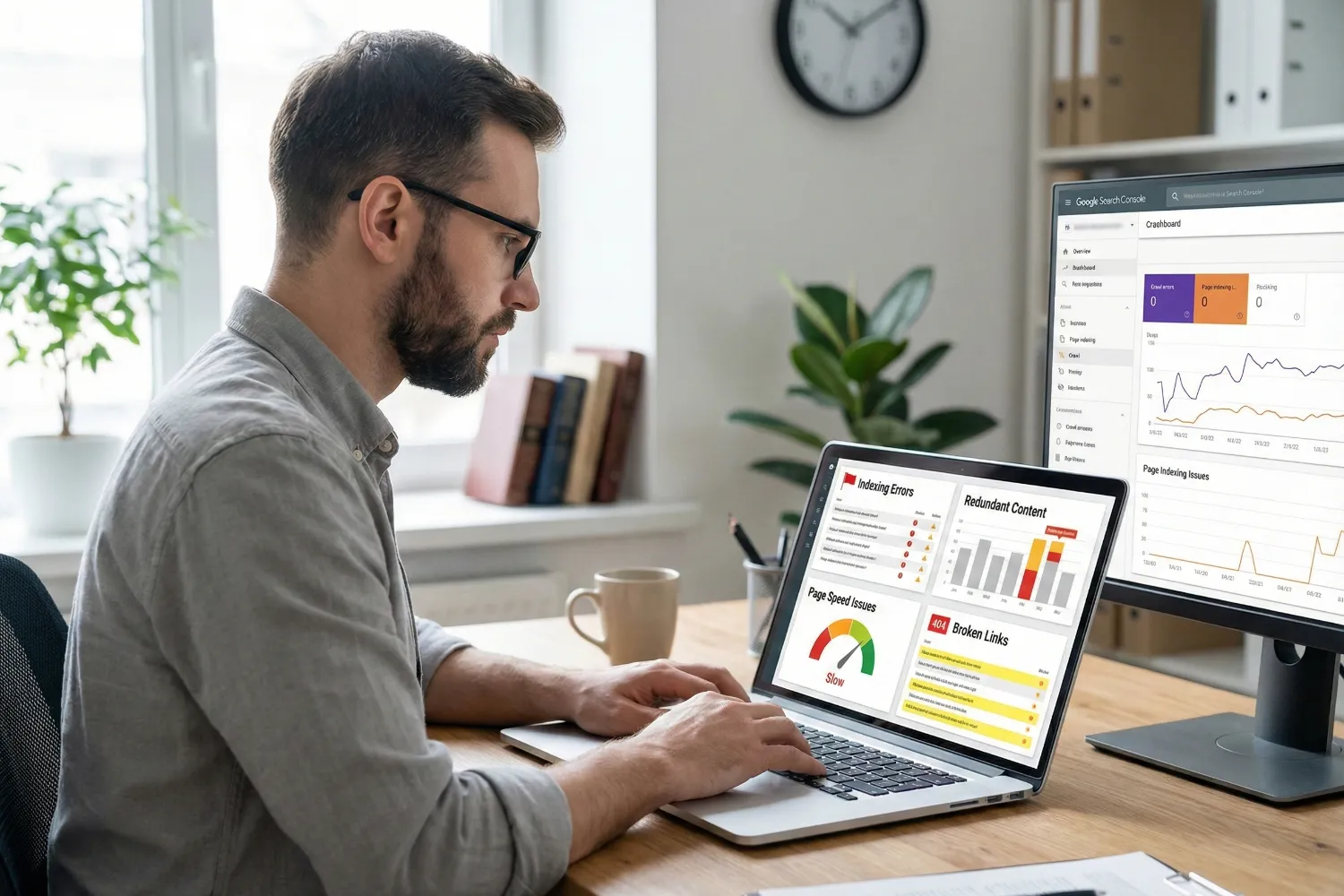
Technical SEO issues can drain your organic traffic without any warning signs. Indexing blocks, content repetition, slow page speeds, and broken links all chip away at your rankings while you focus on other things. These issues hide in your site’s code, server settings, and URL structure.
At AccuvantLabs, we’ve run hundreds of SEO audits for Brisbane businesses and seen these issues appear repeatedly. We understand how they stop search engines from finding and ranking your best content.
In this guide, we’ll cover:
- Indexing problems and redundant content
- On-page errors like meta tags and broken links
- Page speed and Core Web Vitals failures
- CSS, JavaScript, and redirect issues
- How to detect problems before traffic drops
Ready? Let’s begin.
What Technical SEO Issues Quietly Damage Your Rankings?

Technical SEO issues silently ruin your rankings by blocking indexing and causing duplicate content. It also wastes the crawl budget on errors that search engines can’t process. And the worst thing is that most site owners have no idea these problems exist until their traffic starts dropping.
According to SE Ranking‘s analysis of over 418,000 website audits, more than 50% of sites accidentally block pages from Google’s index. That’s half of all websites hiding their own content from search engines without realising it.
We’ll discuss the mentioned technical SEO issues at length now.
Indexing Blocks You Didn’t Know Existed
Most of the time, a developer adds a noindex meta tag to a staging page before launch. The site then goes live, but they forget to remove the tag. Now Google completely ignores that page, and you’re left wondering why it never ranks for anything (even with great content on it).
The same thing happens with robots.txt files. Just one wrong line of code can block search engine crawlers from your entire site. We’ve seen how businesses lost months of organic traffic only because a single “Disallow: /” was still in their robots.txt file after a site migration.
But don’t worry. You can easily detect exactly which pages are excluded from Google’s index and why through Google Search Console (GSC). The “Pages” report under “Indexing” breaks it down by issue type.
Seriously, if you haven’t checked this report recently, you might be surprised by what’s hiding in there.
Pro tip: Look at server-side redirects, because a noindex on the source URL can still affect the destination page.
Duplicate Content: Splitting Your Authority
Fixing duplicate content not only tidies up your site, but it also consolidates your ranking power into one strong page instead of splitting it across several weak ones. Typically, when the same content appears on multiple pages, search engines get confused about which version to rank.
That’s how, instead of one page ranking well, you end up with three pages ranking poorly. That’s not a great trade-off.
And this problem occurs mainly because you’ve missed your canonical tags. In particular, e-commerce sites deal with this issue constantly (product filters, sorting options, and session IDs all create duplicate URLs).
When canonical tags don’t point to the main version of your content, search engine bots waste time crawling identical pages and not your relevant pages. And once your crawl budget gets eaten up by duplicates, newer content takes longer to get indexed.
It’s a chain reaction that drains your organic visibility over time, behind the scenes.
Which On-Page Technical Errors Appear Most Often?

On-page technical errors appear most often in meta tags, heading structure, image alt text, and internal linking across most websites. We detect these mistakes in almost every audit we run. Leaving them unchecked simply damages your rankings.
Here’s how these issues can hold back your SEO:
- Title and Meta Description Issues: Missing or duplicate meta tags make your search listings forgettable. Since it makes your titles all sound the same, users scroll right past them (and so does your click-through rate).
- H1 Heading Problems: When every page has the same H1, search bots can’t tell them apart. That’s why each page needs its own heading that actually describes the content on it.
- No Alt Text on Images: Google reads alt text instead of images, which means skipping it can cost you traffic from image search. Adding clear alt text also helps your pages appear more relevant in search results.
- Broken Links: Nothing kills trust faster than clicking a link and hitting a 404. When users hit that page, they leave, and Googlebot wastes time instead of crawling your important pages.
If you fix these fundamentals, your site becomes easier to index and use.
What Site Performance Issues Hurt Crawling and Speed?

Site performance issues hurt crawling and speed through slow load times, bloated code files, and redirect errors that frustrate both users and search engine bots. A fast and technically healthy site lets Google crawl more of your pages per visit.
Let’s get into more details about these site performance problems.
Page Speed and Core Web Vitals Failures
Google has used Core Web Vitals as part of its Page Experience ranking signals since 2021. These metrics measure how fast pages load (Largest Contentful Paint, or LCP), how quickly they respond to users (Interaction To Next Paint, or INP), and how stable the layout is while loading (Cumulative Layout Shift, or CLS).
Server speed is important as well. It’s because when response times are slow, Googlebot visits less often, so new pages take longer to get picked up.
Unoptimised CSS and JavaScript Files
Did you know that bloated CSS and JavaScript files can slow down every page on your site? Large, unminified files take longer to load and process, and they add unnecessary weight to each visit.
But the bigger issue here is that Googlebot has to render heavy scripts before it can read your content. So we recommend removing what you’re not using and compressing the rest. This way, your pages will breathe a bit easier and load faster.
Redirect Chains and Soft 404 Errors
Redirect chains bounce visitors through multiple URLs before they land anywhere useful. Each hop adds time, and Google recommends keeping it to one redirect at most.
Then there are soft 404s, which are difficult to spot. Since the page loads fine, it returns a 200 status but shows a “not found” message. In turn, Googlebot keeps coming back because nothing looks broken on the surface.
You need to check your server logs regularly to catch errors like that before they pile up.
Pro tip: Measure rendering time in Search Console’s URL Inspection tool to identify pages Google struggles to process.
How Do You Detect These Issues Before They Hurt Traffic?

You detect these issues before they hurt traffic by using Google Search Console, running site crawls, and reviewing server logs for errors. Since most technical problems stay hidden, you have to look for them before they affect traffic.
Do the following checks to detect the problems we’ve discussed:
- Google Search Console Reports: This is your first stop. The “Pages” report shows which URLs are indexed, which are excluded, and why. You’ll also see crawl errors, mobile usability warnings, and security flags all in one place.
- Core Web Vitals Scores: Inside Search Console, the “Core Web Vitals” report breaks down page performance by URL. It flags pages that fail Google’s speed and stability thresholds, so you know exactly where to focus.
- Site Crawls With SEO Tools: Tools like Screaming Frog or Sitebulb crawl your site the way Googlebot does. They catch broken links, missing tags, redirect chains, and orphan pages that Search Console might miss.
- Server Error Logs: Your server logs show every request Googlebot makes, including the ones that fail. If 5XX errors or timeouts are stacking up, you’ll see them here before they affect your rankings.
- Professional SEO Audit: Sometimes you need fresh eyes. That’s where a professional SEO audit digs into areas you might overlook. We’re talking about issues like JavaScript rendering troubles, crawl budget waste, or indexing gaps buried deep in your site architecture.
It’s a simple way to keep your site healthy and moving in the right direction.
Time to Handle Your Technical SEO Issues
Technical SEO issues rarely announce themselves. They stay in the background, blocking pages from Google’s index, slowing down your site, and splitting your ranking power across duplicate content. By the time traffic drops, the damage is already done.
But the good news is that once you know where to look, you can fix these problems yourself. Start with Google Search Console. Then run a site crawl and check your server logs.
If you’d rather have experts handle it, AccuvantLabs offers professional SEO audits for Brisbane businesses. We’ll find what’s hurting your rankings and show you exactly how to fix it. Get in touch with us today.